 Screenshot Maker
Realistic mockups for crypto wallet and PnL demos.
A crypto wallet screenshot generator for simulated balances, ROI, and exchange PnL. Edit the numbers, then export a PNG. Free templates download with no account. SaaS dashboards are included.
Simulated demo screenshots — not real balances or trades.
Live previews of a Crypto Wallet APP holdings screen and a Crypto Trades positions list.


How this screenshot generator works
Pick a realistic template
Start from product UIs built for crypto wallets, PnL cards, dashboards, finance, stock, and more.
Edit the details that matter
Update text, numbers, and icons with instant live preview.
Export the screenshot
Download a full-resolution PNG. Free templates export with no account.
A screenshot generator built for demo mockups
Mockups you can edit
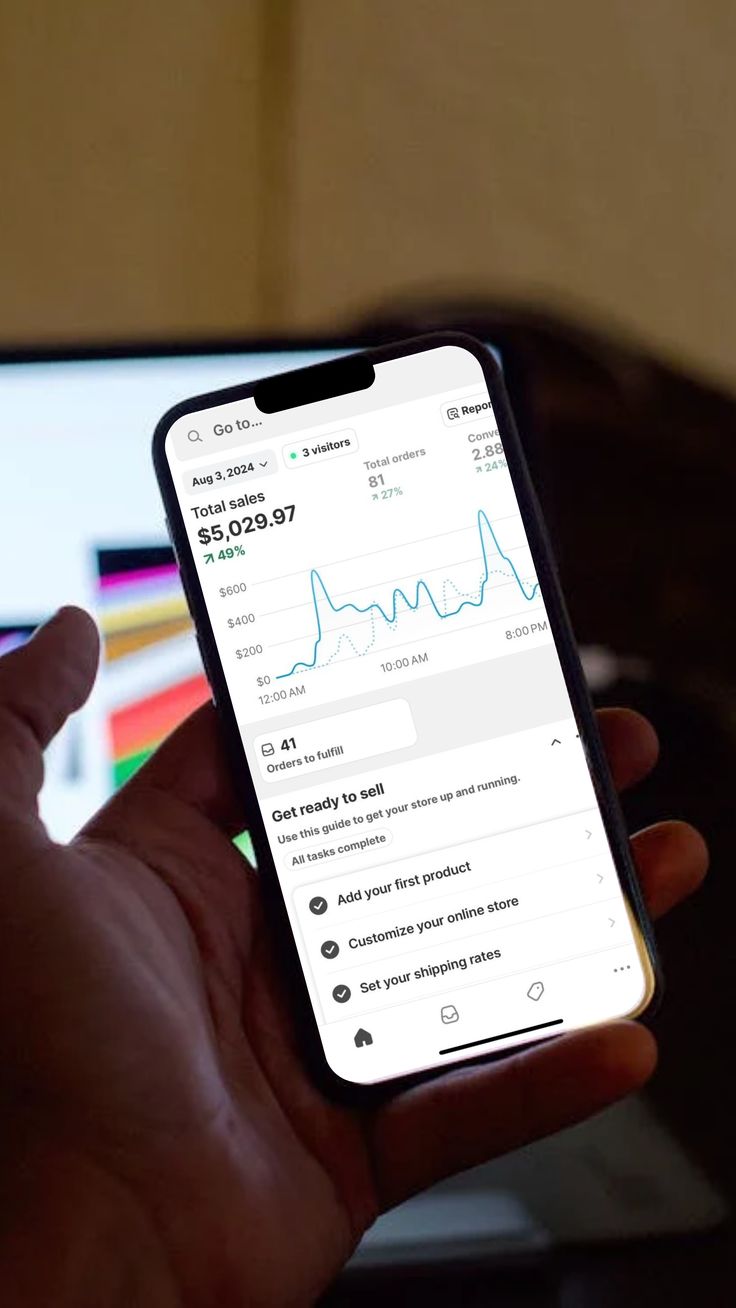
Every screenshot generator template is a simulated product UI, ready for a demo, not a flat poster.
Edit what people notice
Swap text, numbers, icons, and images until the mockup matches the story you need.
Crypto, finance, and more
Crypto wallet screenshot generator layouts, plus finance, stock, and SaaS dashboard templates ready to customize.
Export in a few clicks
Download a full-resolution PNG from the browser. Free templates need no account.
Screenshot generator examples
Browse all templates →









Who uses this screenshot generator
Browse all use cases →Making crypto content?
Turn results into simulated crypto wallet and PnL screenshots for posts and decks.
Building a SaaS product?
Make dashboard mockups for decks and landing pages.
Running marketing campaigns?
Ship ad creatives and social proof as simulated product screens, without waiting on design.
Running an agency?
Deliver client-ready UI mockups fast enough to keep every account moving.
Screenshot Maker pricing plans
Free
Starter templates
Edit and download popular templates, including Crypto Wallet.
- Crypto Wallet, portfolio, payments, and chats
- Full-resolution PNG on those templates
- No account and no credit card
Pro
Full library
Unlock every template, including new ones as they're added.
- PnL cards, holdings, futures, and MRR
- New templates included
- Same full-resolution PNG
Frequently asked questions
A screenshot maker (or screenshot generator) helps you create realistic product mockups without opening Figma or Photoshop. Pick a template that already matches a product UI, edit the text, numbers, and icons, then export a PNG.