 Screenshot Maker
Brooks Marquez · Marketing · 6 min read · 2026-04-02 · Updated 2026-10-19
Product Screenshots vs Stock Photos on Landing Pages
Visitors decide what your product is from the first image. A stock photo of a smiling team tells them you own a camera. A product screenshot tells them what the screen does. On a SaaS landing page, that second image usually earns the scroll. It also gets misused, and the misuse is what this article is about.
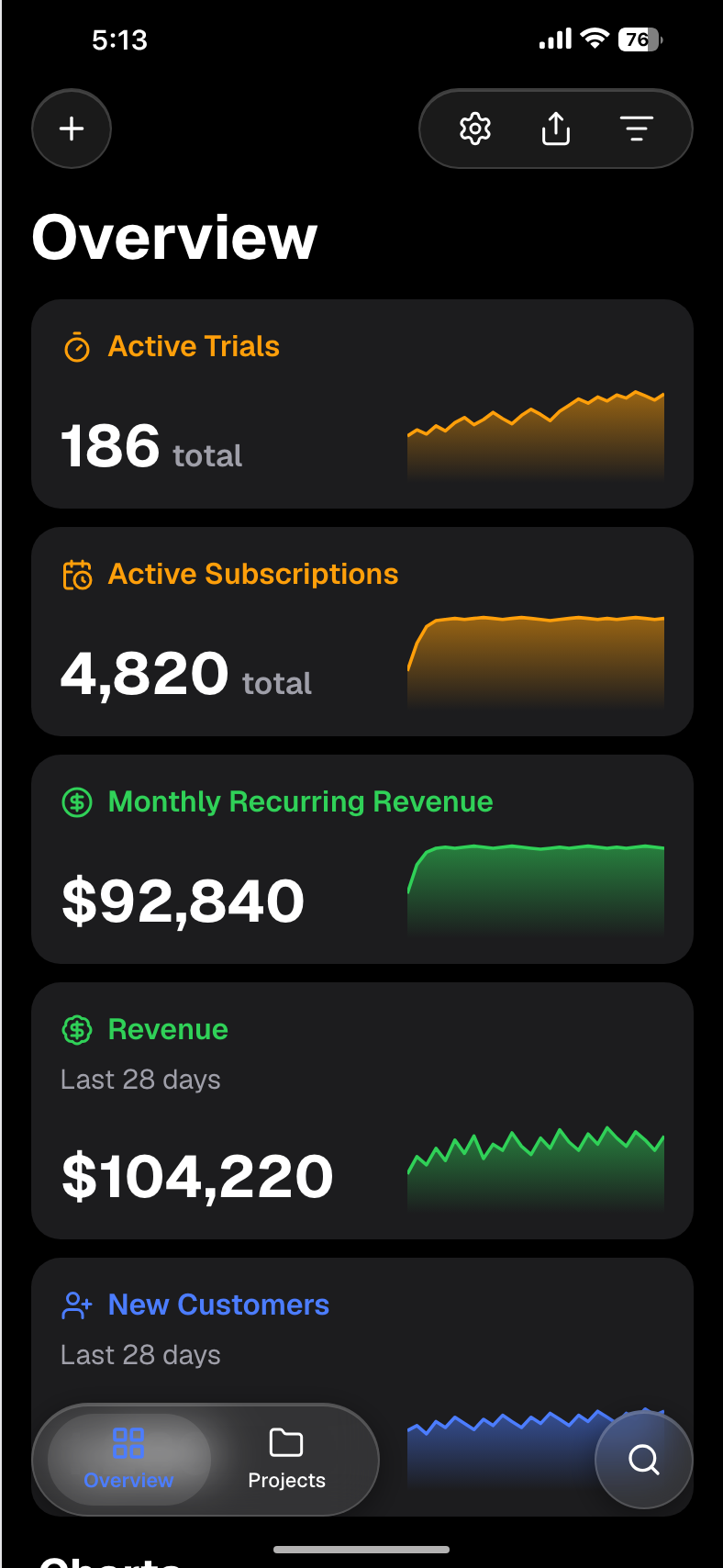
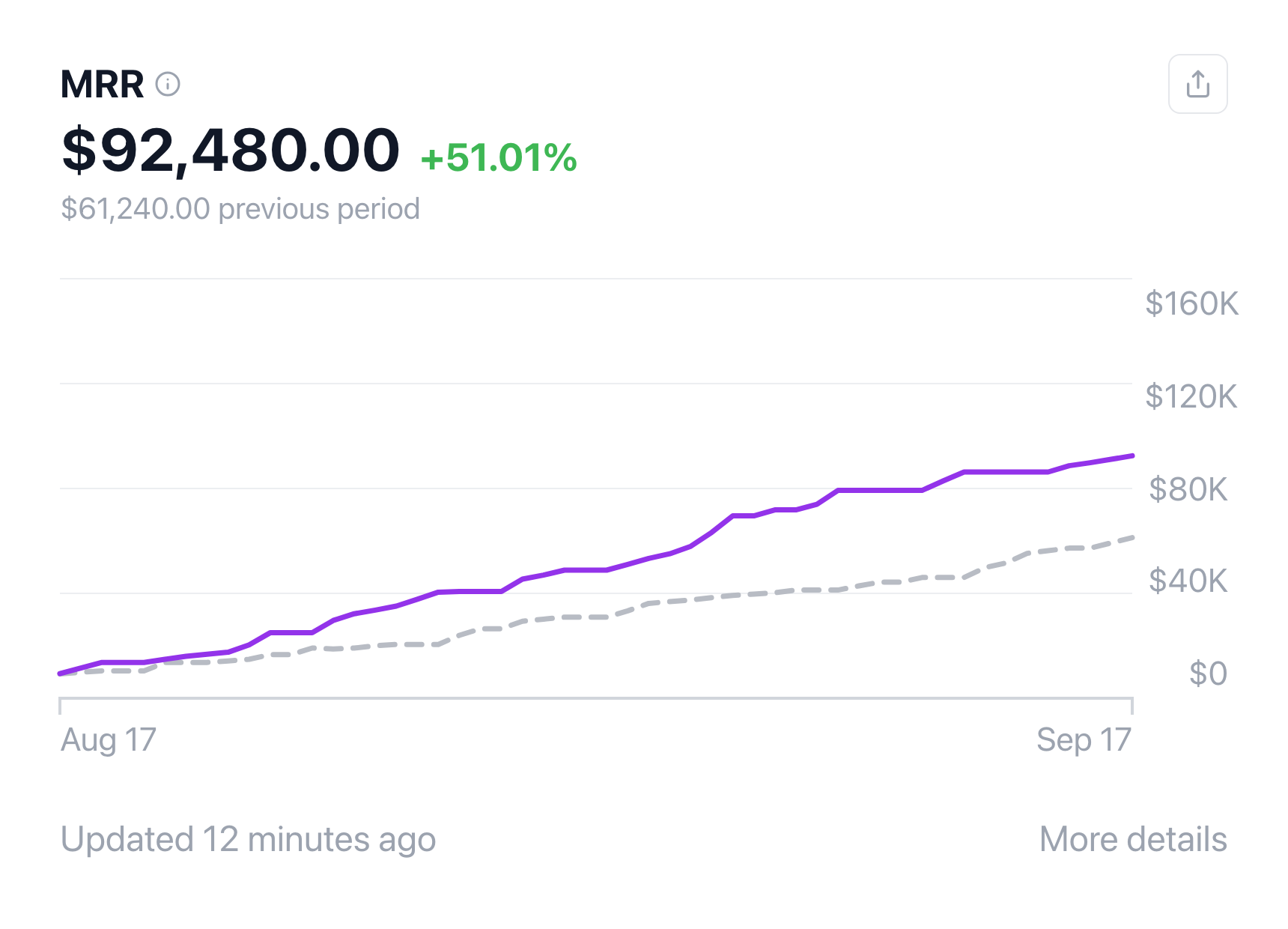
Why the product UI beats a stock photo
A stock photo is interchangeable. The next product in the category can buy the same frame. A screenshot is specific: the navigation, the empty state, the metric you chose to lead with. People who have bought software before look for that specificity. They want to see whether the product is a dashboard, a chat, or a settings page.
The image still has to be honest about its job. It can show the interface. It cannot show that a customer said something, paid something, or got a result, unless that customer did, and you have permission to show it.
Where a mockup is fine
Use an illustrative UI when you are explaining the product:
- A hero that previews the app.
- A feature row that points at one control.
- A tutorial or a docs page.
- An ad concept that shows the screen, not a quoted customer.
A support-chat layout is a reasonable feature image if the bubbles are clearly a product preview ("How do I export?") and the caption says so. The WhatsApp chat template is a UI mockup for that kind of frame. It is not a stand-in for a message a customer sent you.
Dashboards work the same way. The MRR dashboard and the other dashboard templates are for showing what the screen contains. Put "sample data" on the caption if the dollars are not your live book.
Where a mockup is the wrong proof
Do not use a designed image as:

Create a screenshot to get more engagement.
Pick a template, edit the numbers, and export.
Start Free- A testimonial or a review quote
- A star rating you did not earn
- A revenue, profit, or payout claim
- A "customer result" or a traction chart
- A chat bubble in which someone appears to confirm a deal, a withdrawal, or a balance
Those need a real artifact: a message the person sent, a review they posted, or an export from your own analytics, used with permission. Inventing the artifact is not a design choice. It is a false endorsement. If you do not have the quote yet, write the claim in your own voice or leave it off the page.
"Can I make a testimonial screenshot?" Only from a real customer, with permission, and only by showing what they actually wrote. Do not typeset a compliment they did not send.
Five layouts that stay honest
- Hero. One product screen, headline beside it, caption "Product preview." No quote marks.
- Feature row. Three crops, each with a label of the feature, not an invented metric badge.
- Before / after. Your old UI and your new UI, or a sketch and the implemented screen. Both should be yours.
- Step strip. The clicks a new user takes. Good for docs. Weak as proof that anyone succeeded.
- Device frame. A phone or browser chrome around the same UI, so the crop has a clear edge. The frame does not make the numbers real.
Pick one layout per section. A page that stacks a hero, a chat "win," and a revenue card is asking the reader to treat fiction as evidence.
How to test variants without inventing results
You can A/B test the screenshot. Test the crop, the feature you lead with, light against dark, and whether a caption helps. Send each variant to the same audience and read activation or demo requests, not your own taste.
Create a screenshot to get more engagement.
Pick a template, edit the numbers, and export.
Start FreeDo not test "bigger dollar figure" as if the dollar figure were a headline you are free to set. If both images are labelled samples, you are testing design. If one image implies a real total, you are testing a claim, and the claim has to be true in both variants.
Two or three variants are enough. Stop when the difference is large enough that another week will not change the decision. A useful companion is why AI-generated screenshots fail for marketing: generated scenes tend to invent UI that your product does not have, which is a different way to mislead.
A short disclosure checklist
- The alt text says "mockup" or "sample" when the data is not live.
- The caption sits next to the image.
- No quotation marks unless the words are a real quote.
- No customer name you did not get in writing.
- No logo of a bank, a store, or a publication you are not allowed to use.
- The surrounding sentence does not say "our users" or "last month" about a sample chart.
If a line fails, change the line. Do not bury a disclosure in the footer and hope the image is "obviously" a demo. People skim.
FAQ
Is it legal to use a mockup on my landing page?
A labelled product preview is a normal way to show an interface. What gets people in trouble is presenting that preview as a customer, a review, or a financial result. Your ads, your app store, and your local consumer rules still apply. The acceptable use section is the limit on this product: do not use an export to mislead.
Can I make a testimonial screenshot?
Only from a real customer, with permission, showing words they actually sent or published. A chat layout filled in by you is a UI sample. It is not a testimonial. If you do not have permission yet, use a plain quote you can stand behind, or skip social proof until you do.
How many screenshots should one page have?
One in the hero, then one per feature you are willing to explain. Three to five images is plenty for a single landing page. More than that and people stop looking. Each one should answer a different question about the product.
Show the product, then stop
Use a dashboard template or the MRR dashboard to preview the UI. Label the file as a simulated demo. When you have a real customer comment, publish that, unchanged, instead of a screen you composed.