 Screenshot Maker
Brooks Marquez · Comparisons · 8 min read · 2026-09-17 · Updated 2026-10-10
Why AI-Generated Screenshots Fail for Marketing
Teams keep asking AI image tools to "make a Stripe dashboard" or "fake a crypto wallet screenshot." It feels faster than opening Figma. Then the output comes back refused, soft, watermarked, or weird enough that a trader or SaaS buyer clocks it in half a second.
This article is the professional case against using generative AI as your product screenshot pipeline — and why a dedicated screenshot maker (pick a native-looking template, edit the numbers, export PNG) is the better default for ads, landing pages, decks, and social proof.
What people mean by "AI-generated screenshots"
They usually mean one of these:
- Asking ChatGPT / Gemini / Claude to draw a UI as an image
- Prompting Midjourney, Flux, or Firefly for "iPhone screenshot of Instagram" or "Binance PnL card"
- Upscaling or "enhancing" a rough mock until it looks like a photo of a phone
That is different from using AI to write caption copy for a screenshot you already made. Copy assist is fine. Asking a diffusion model to invent a finance UI is where marketing quality collapses.
Why AI tools refuse (or neuter) the request
Product and finance screenshots sit in a sensitive zone: payment UIs, balances, chat threads that look like real people, exchange PnL flexes. Many frontier models and image products will:
- Refuse prompts that sound like fraud, impersonation, or fake bank statements
- Soften the ask into a generic "dashboard illustration" instead of a crisp app chrome
- Add disclaimers, overlays, or refuse phone OS chrome that looks too real
Even when the refusal is well-intentioned, your marketing calendar does not care. You needed a clean PNG by Friday. A policy wall is not a workflow.
A screenshot maker sidesteps that fight: you are editing a template you control, not asking a model to invent a bank or a messenger from scratch.
Why the pixels still look fake when AI says yes
When generation succeeds, professional reviewers still catch the same tells:
Soft edges and mushy type. UI screenshots need hard rectangles, consistent hairlines, and type that stays sharp at 100% zoom. Diffusion models average textures. Small labels and tabular numbers are the first things to smear.
Inconsistent chrome. Status bars, nav icons, and tab bars drift between prompts. One frame has an iOS battery that never existed; the next mixes Android spacing with iMessage blue.
Broken internal math. AI will happily put +340% ROI next to prices that barely moved, or a wallet bag where quantities and dollar values disagree. Crypto and fintech audiences notice. For how traders audit PnL cards, see What Makes a Fake Binance, Bybit, or OKX PnL Screenshot Look Real.
Wrong product language. "Long/short" on a card that should say buy/sell. Instagram DM status that reads like WhatsApp. These are not art-direction choices — they are category errors.
Template tools win because the layout is already constrained. You change the fields; you do not re-roll the entire visual system every time.
Watermarks, platform fingerprints, and social reach
Marketing teams also hit distribution problems, not only quality problems:
- Tool watermarks and trial badges on free AI image tiers make the asset unusable in paid social without a scrub pass
- Repeated generative "look" (same grain, same hand-wavy icons) clusters with other AI creatives; platforms and audiences both get better at recognizing the pattern
- Policy risk on impersonation-looking media — especially fake chats, payment alerts, and brokerage UIs — can trigger reduced distribution or ad rejection even when your intent is mock marketing, not fraud
- Unstable regenerations — fix one typo in the prompt and the whole composition shifts, so A/B tests are noisy
You do not need a conspiracy theory about secret detectors. You need assets that look like product UI captures: sharp, consistent, editable, and free of someone else's logo in the corner.

Create a screenshot to get more engagement.
Pick a template, edit the numbers, and export.
Start Free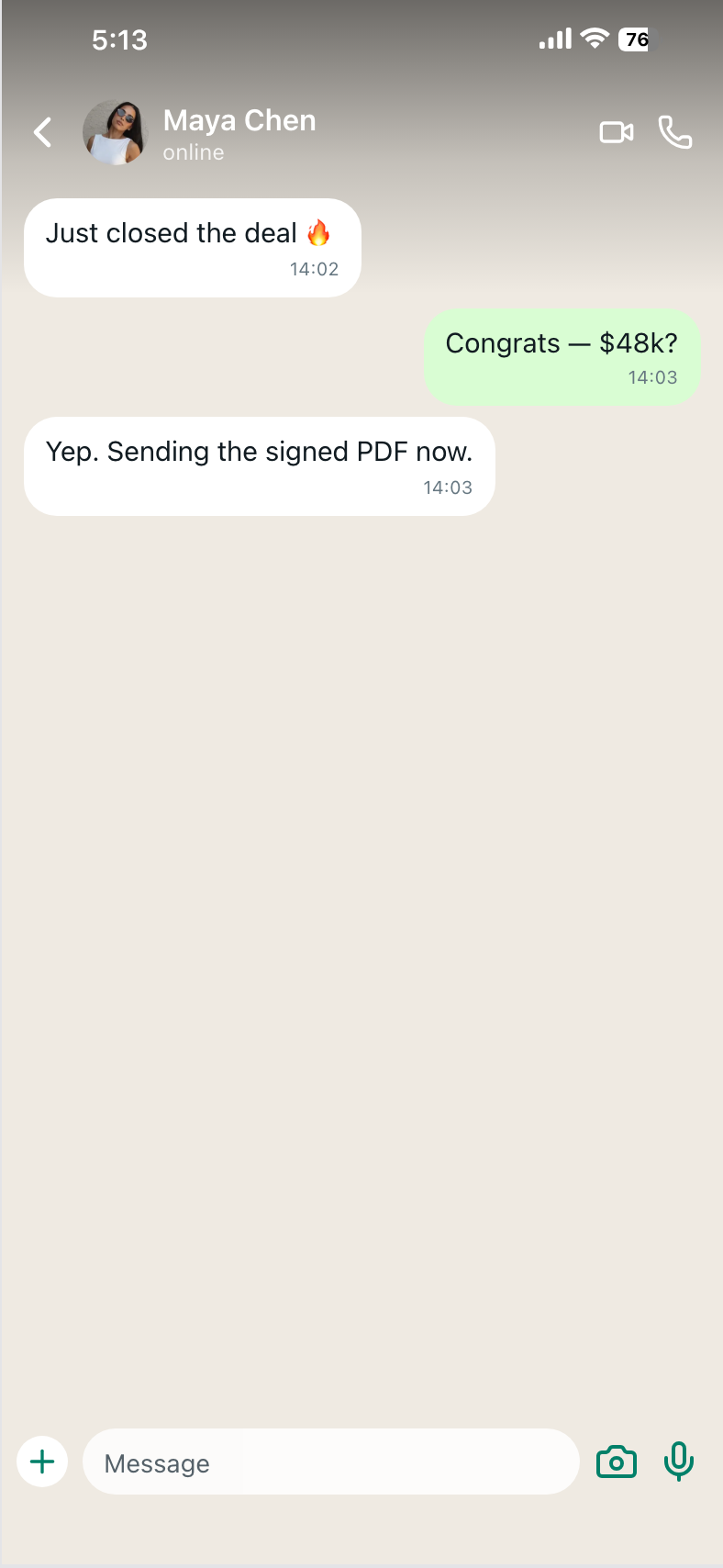
What a professional screenshot workflow actually requires
If you ship screenshots for a living (growth, brand, founder content, agency creatives), the bar is operational:
| Requirement | Why it matters | AI image gen | Screenshot maker |
|---|---|---|---|
| Controllable numbers | Finance/crypto viewers check math | Weak | Strong (typed fields) |
| Stable layout across variants | A/B without re-prompting art | Weak | Strong |
| Sharp UI at export size | Ads and Retina landing heroes | Often soft | Designed for PNG export |
| No third-party watermark | Paid media readiness | Often fails on free tiers | Product export without AI watermarks |
| Reusable templates | Same wallet/DM/dashboard family | Prompt lottery | Template library |
| Saved edits | Come back tomorrow, keep the story | Chat history ≠ design file | Local editor state + export metadata |
| Category coverage | Wallet vs PnL vs chat vs MRR | One-off luck | Templates by category |
"Looks cool in the chat preview" is not the same as "survives a landing-page scroll from a skeptical buyer."
Why Screenshot Maker is the better default
Screenshot Maker is built for realistic product screenshots, not for inventing art. The loop is simple on purpose: pick a template that already looks like the app chrome you need → edit text, numbers, icons, themes → export a full-resolution PNG.
Concrete advantages versus AI image generators:
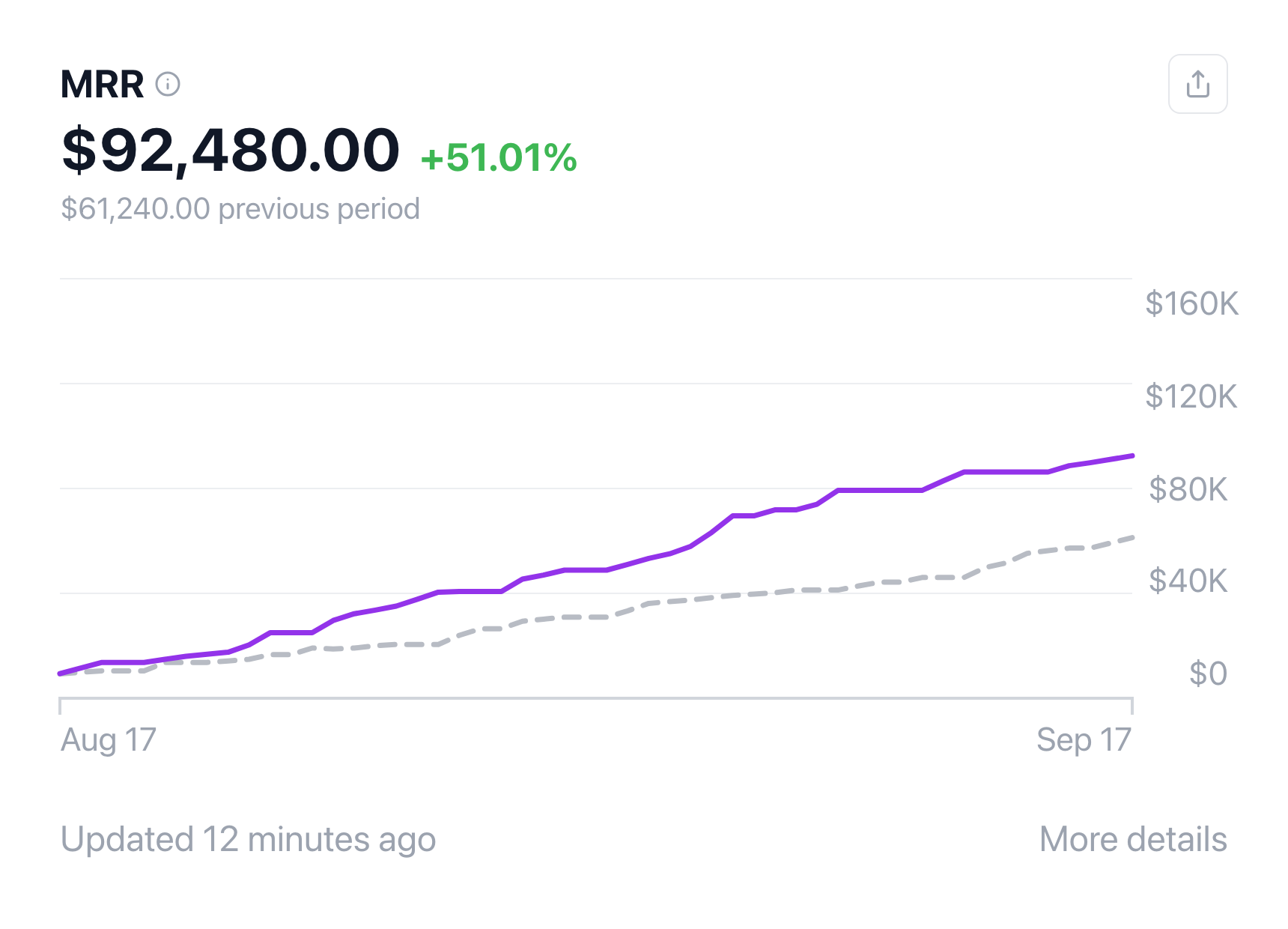
High-fidelity, native-looking UI. Templates are assembled like real product screens (crypto wallets, Bybit/Binance/OKX-style PnL cards, investing homes, SaaS MRR, messaging, social posts). You are not hoping the model remembers how a status bar works.
High customizability where it counts. Change contact names, ROI, balances, captions, charts, avatars, light/dark where the template supports it. The story stays yours; the chrome stays consistent.
Template depth. Browse templates across Dashboard, Finance, Stock, Crypto, Messaging, and Social Feeds — including free chat generators such as WhatsApp and iMessage, plus Pro layouts for denser finance and trading screens.
Edits that stick while you work. The editor keeps your field values as you iterate, so you are not re-explaining a prompt to a model that redraws the whole phone. Export events are also recorded as generation metadata for your account — useful when you care about usage, not when you need a museum of every PNG in the cloud.
No "AI illustration" watermark on the marketing PNG. You are exporting from a product template workflow aimed at clean creatives (subject to the product's Pro/export rules), not scrubbing a trial badge out of a diffusion output.
Faster path for non-designers. Founders and marketers can ship a believable MRR dashboard or crypto wallet balance without redrawing UI in Figma or gambling on Midjourney seeds.
Create a screenshot to get more engagement.
Pick a template, edit the numbers, and export.
Start FreeSafer narrative control. You decide the numbers and the copy. That matters for compliance reviews, client approvals, and avoiding accidental lookalike branding inside a model hallucination.
For tool choice among design suites, see Screenshot Maker vs Canva vs Figma. This piece is narrower: do not use generative AI as the screenshot engine.
When AI image tools are still fine
Use generative AI for moodboards, abstract backgrounds, lifestyle photos, or illustrated metaphors. Use it to draft the LinkedIn caption that sits under the screenshot.
Do not use it as the source of truth for:
- Payment, payout, and banking UIs
- Brokerage and crypto portfolio / PnL cards
- Messenger and DM social-proof threads
- SaaS admin dashboards you present as "the product"
Those jobs want templates and typed fields.
Practical playbook (replace your AI prompt habit)
- Write one sentence for the story ("customer said yes in WhatsApp", "MRR crossed $90k", "BTC long +480% ROI")
- Open the matching template on screenshotmaker.app — chat, dashboard, wallet, or PnL
- Edit only the fields that carry the story; leave chrome alone
- Check consistency (ROI vs prices, likes vs comments, bag quantities vs values)
- Export PNG, then crop for the channel
If you were about to paste a 120-word Midjourney prompt, you are already past the point where a template would have been faster.
FAQ
Can AI ever make a usable app screenshot?
Occasionally, for rough brainstorming. It is unreliable for production marketing: refusals, soft type, watermarks, and inconsistent chrome burn more time than they save.
Is a screenshot maker the same as deepfake fraud tools?
No. The professional use is mock product UI for your own marketing — demos, ads, decks — with numbers you control. Do not impersonate real people or claim a fabricated bank statement is a live capture of someone else's account.
Will social platforms ban template screenshots?
Realistic product-style creatives are normal in SaaS and fintech ads. Problems cluster around deceptive impersonation, low-quality AI mush, and policy-sensitive fakes. Sharp, editable templates are the lower-drama path.
What should I use instead of ChatGPT images for a wallet shot?
Start from a crypto wallet template such as the holdings-style editor or the walkthrough in how to make a crypto wallet balance screenshot.
Bottom line
AI image generators are the wrong instrument for professional product screenshots. They refuse sensitive UIs, smear the details that make interfaces feel real, often watermark free outputs, and create distribution risk when the result looks like synthetic sludge. A screenshot maker keeps the chrome native, the numbers editable, the template reusable, and the export clean enough for ads and landing pages.
Open screenshotmaker.app, pick the screen that matches your story, and export a PNG you can stand behind in a client review — not a prompt you hope the model will honor twice.